You can now use Revolut in your barbershop through Barberly. Barberly supports Revolut Business as a payment provider: connect your account and take payments in your booking app, on your website and at the front desk with Revolut terminals.
Why Revolut is different: the money goes straight to your bank
With most payment providers, the money does not reach your bank right away. Payments first collect in a balance with the provider and reach your bank later as a payout.
Revolut is a bank. Client payments go directly into your Revolut Business account. There is no balance to wait on and no separate payout step.
Revolut online payments for barbershop bookings
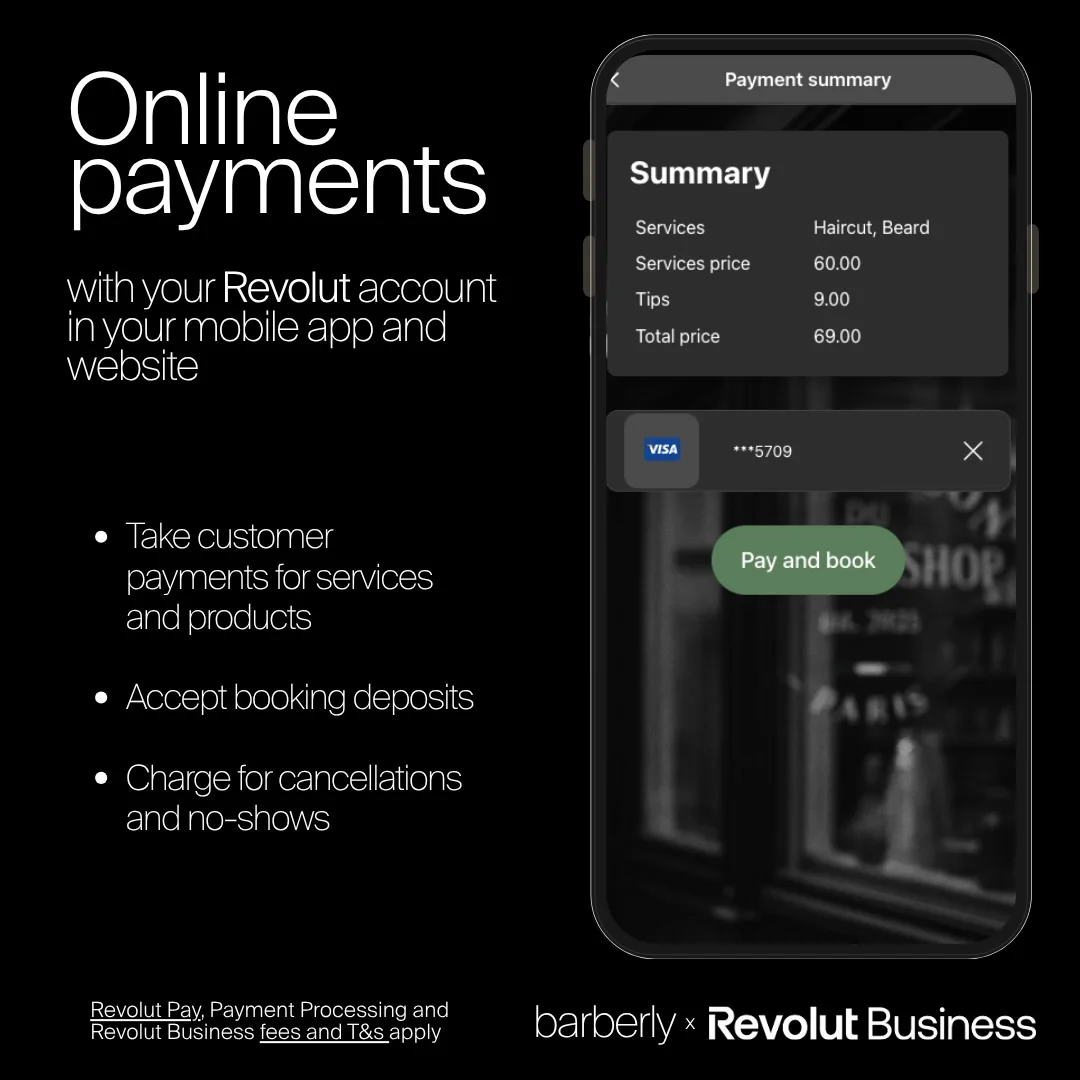
Use your Revolut account for card payments in your branded booking app and on your website:
- Payments for services and products
- Booking deposits
- Charges for late cancellations and no-shows
- Monthly membership payments
Revolut terminals at your barbershop front desk
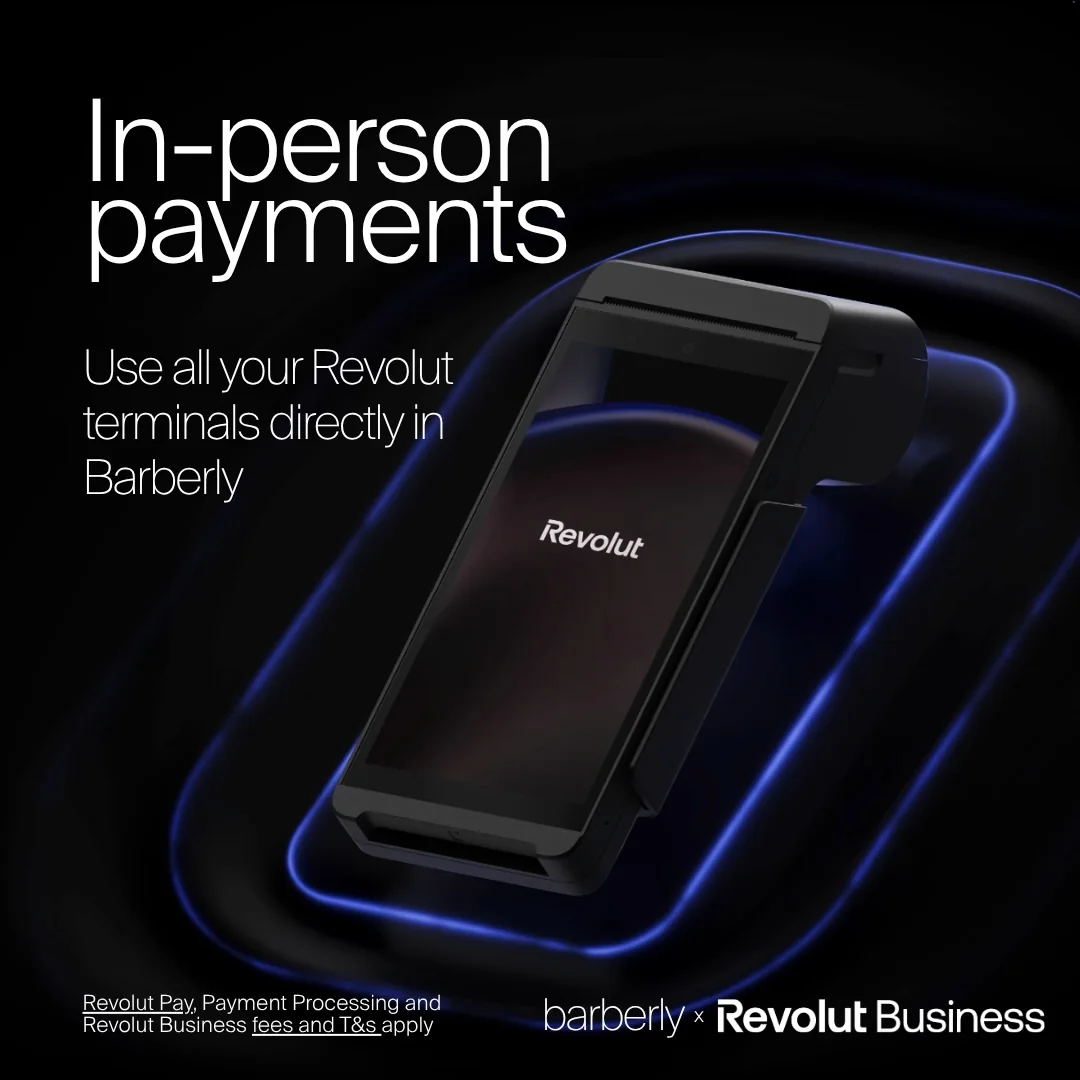
Barberly also works with Revolut card terminals. Use all the terminals on your Revolut account directly in Barberly and take card payments at checkout.
With Revolut, one account covers online payments, in-person payments and the bank account they land in.
Revolut for barbershop memberships
Barberly memberships run on the payment account you already connected, so Revolut works for them too. Clients buy a monthly plan in your app, their card is charged automatically on each renewal date, and the money goes straight into your Revolut Business account.
How to start using Revolut in your barbershop
Connect your Revolut Business account in the Barberly portal. If you need a hand, our support team will help you set it up.
Revolut works alongside Stripe, Square and SumUp, which Barberly already supports.
Frequently asked questions
Do I need a Revolut Business account?
Yes. Barberly connects to a Revolut Business account, and client payments are paid into that account.
Can each barber connect their own Revolut account?
Yes. As with every payment provider in Barberly, each barber can connect their own account, so one barber can use Revolut and another Stripe, Square or SumUp. Payment terminals are connected for the whole shop, not per barber.
Can the shop use Revolut together with another provider?
No. The shop connects one payment provider for its own payments and terminals. Different providers are possible only per barber.
Can I refund a payment from Barberly?
Yes. Refunds to Revolut payments are made directly in Barberly, the same as with other payment providers.
Can clients leave a tip?
Yes. Clients can add a tip when they pay.
I am switching from another provider. Do saved cards move to Revolut?
No. Saved cards are stored by the payment provider, not by Barberly, so they do not move. After the switch, clients add their card again, including members whose plan renews automatically.
Which Revolut terminals work with Barberly?
All terminal models Revolut offers. You get the terminal from Revolut and use it in Barberly at checkout.
Do Revolut payments show up in my Barberly reports?
Yes. They appear in Barberly and in every report, the same as payments through any other provider.
How much does Revolut charge?
Revolut sets its own fees, and they depend on your country. Check them in your Revolut Business account.