Barberly now has a public Booking API. With it, your own website, app, WhatsApp bot, voice agent or AI assistant can take bookings for your barbershop, using the same services, team, availability and booking rules your clients already see in your Barberly app.
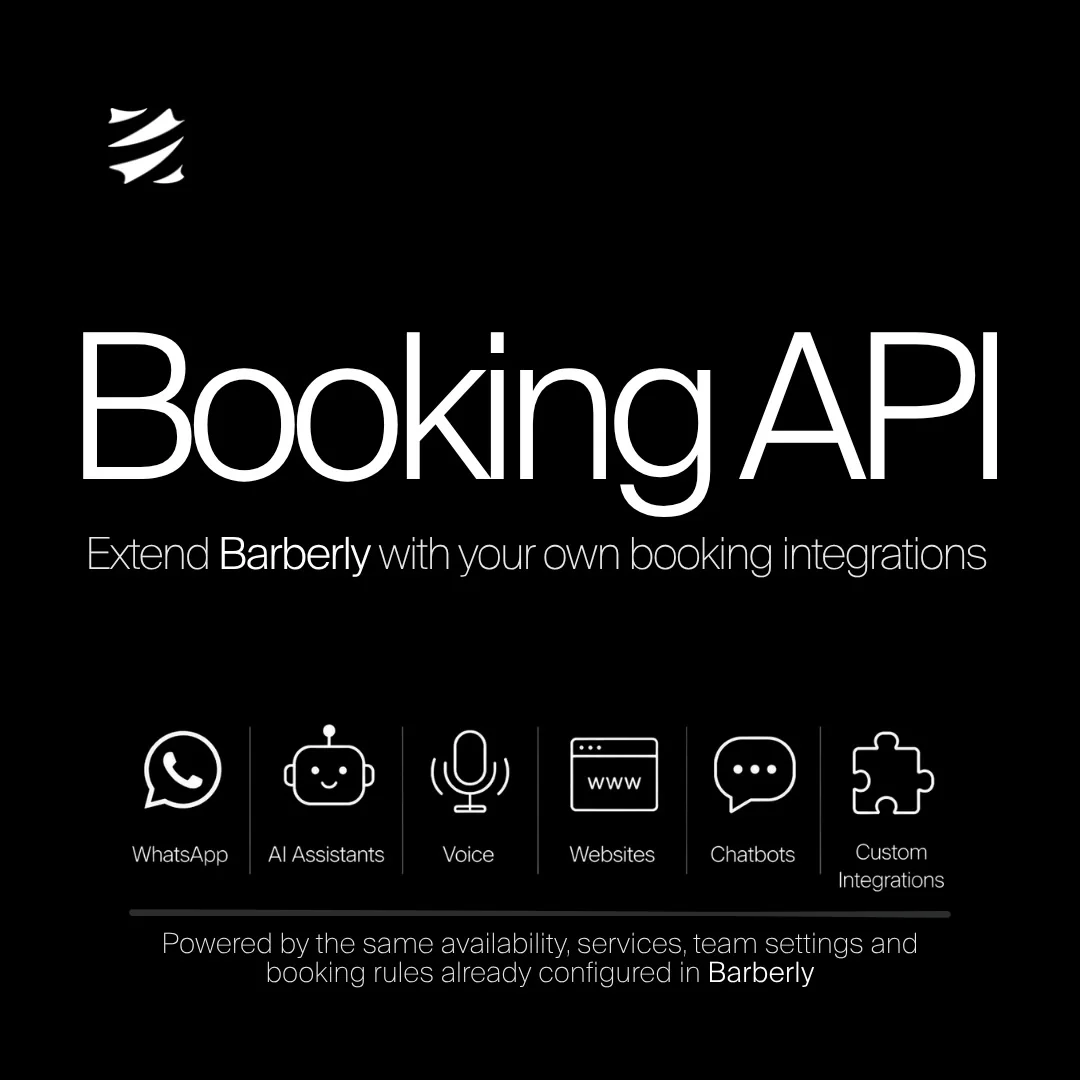
What you can build with a barbershop booking API
- WhatsApp: book inside the chat clients already use
- AI assistants: book against your real availability
- Voice agents: phone bookings, automated
- Websites: your own booking flow, in your own brand
- Chatbots: a booking step in any chat widget
- Custom integrations: anything else that creates a booking
It books the way your clients book
The Booking API is one more client-facing tool, next to your mobile app, your website, the booking widgets, the kiosk and Google booking. It is not a back-office API. It does not open reports, team management or settings.
Everything you configured for your own booking page applies unchanged:
- A slot that is closed to clients is closed in the API too. Availability shows the client view of your calendar, never the staff one.
- If you approve appointments by hand, bookings made through the API arrive unconfirmed as well.
- If you require a registered customer, the API requires one too.
- Working hours, lead times, service durations and which barber does what are read live from your settings.
The API invents no rules of its own and can bypass none.
What the Booking API covers
- Catalog: locations, team members, services with add-ons
- Availability: free days and time slots, per location, barber and service
- Bookings: create, read, reschedule and cancel
- Customer accounts: register, log in and reset a password
API keys and scopes
Set up your locations, team, services and working hours in Barberly first. The API reads that configuration; it does not create it. Then issue a key in the Barberly portal under Apps → Booking API → Create key, and give it only the scopes it needs:
| Scope | Grants |
|---|---|
catalog:read | Locations, team members, services, availability |
bookings:read | Read a booking |
bookings:write | Create, update and cancel bookings |
accounts:write | Register, log in and recover customer accounts |
Send the key in the X-Api-Key header. Keys can be revoked or deleted on the same screen.
Try the live demos
Two working guest booking flows run on a public demo shop, so they show live data straight away. Both go through location, barber, services with add-ons, date and time, guest details and confirmation, with no login.
- Appointment hub: one card with four fields the guest fills in any order
- Guided wizard: five steps with a progress bar
The source code is on GitHub: React examples you can read, copy or lift into your own project.
Documentation
- API reference: every endpoint and field
- OpenAPI document: generate a client in your language
Frequently asked questions
Does the Booking API cost extra?
No. The Booking API is included in your Barberly subscription. There is no extra fee for it.
I am not a developer. How do I get an integration built?
Give ChatGPT, Claude or another AI agent the link to the API reference and describe what you want. In a few minutes you will have a working implementation to start from.
Can I connect it with n8n, Make or Zapier?
Yes. Any tool that can send an HTTP request with a header can call the API: the HTTP Request node in n8n, the HTTP module in Make, or a custom request in Zapier. These tools can create, reschedule and cancel bookings. They cannot react to changes made inside Barberly, because the API has no webhooks yet.
Can a voice agent or ChatGPT book appointments through it?
Yes. Voice platforms such as Vapi or Retell call external APIs as tools, and a custom GPT in ChatGPT can import the OpenAPI document and send your key in the header. The current API is enough for both.
Do clients get the usual booking confirmations?
Yes. Bookings made through the API send the same notifications you set up for your mobile app and website.
What about deposits and prepayments?
The Booking API does not take payments. If you need a deposit or prepayment, take it in your own flow first, then create the booking through the API.
Can I see which bookings came through the API?
Yes. In the appointment's history, a booking made through the API is marked as created via the Booking API, the same way other bookings show the mobile app or the website.
Do clients who book through the API join my client base?
Yes. They are added to your clients like anyone else and earn loyalty points when the booking is marked as completed.
Is there a test mode?
No. While you build, cancel the test bookings you create.
Will my system know when a booking changes in Barberly?
Not automatically: there are no webhooks yet. To check a booking, read it again by its ID.
I have several locations. Do I need a key for each?
No. One key works for all your locations. As in your app and website, the client chooses the location when booking.
Does the Booking API handle walk-ins or the waitlist?
No. It is for bookings: creating, reading, rescheduling and cancelling appointments. The walk-in queue and the waitlist run on the kiosk and the Barberly business app.